 Peko Pal
Help & Guide
About Peko Pal
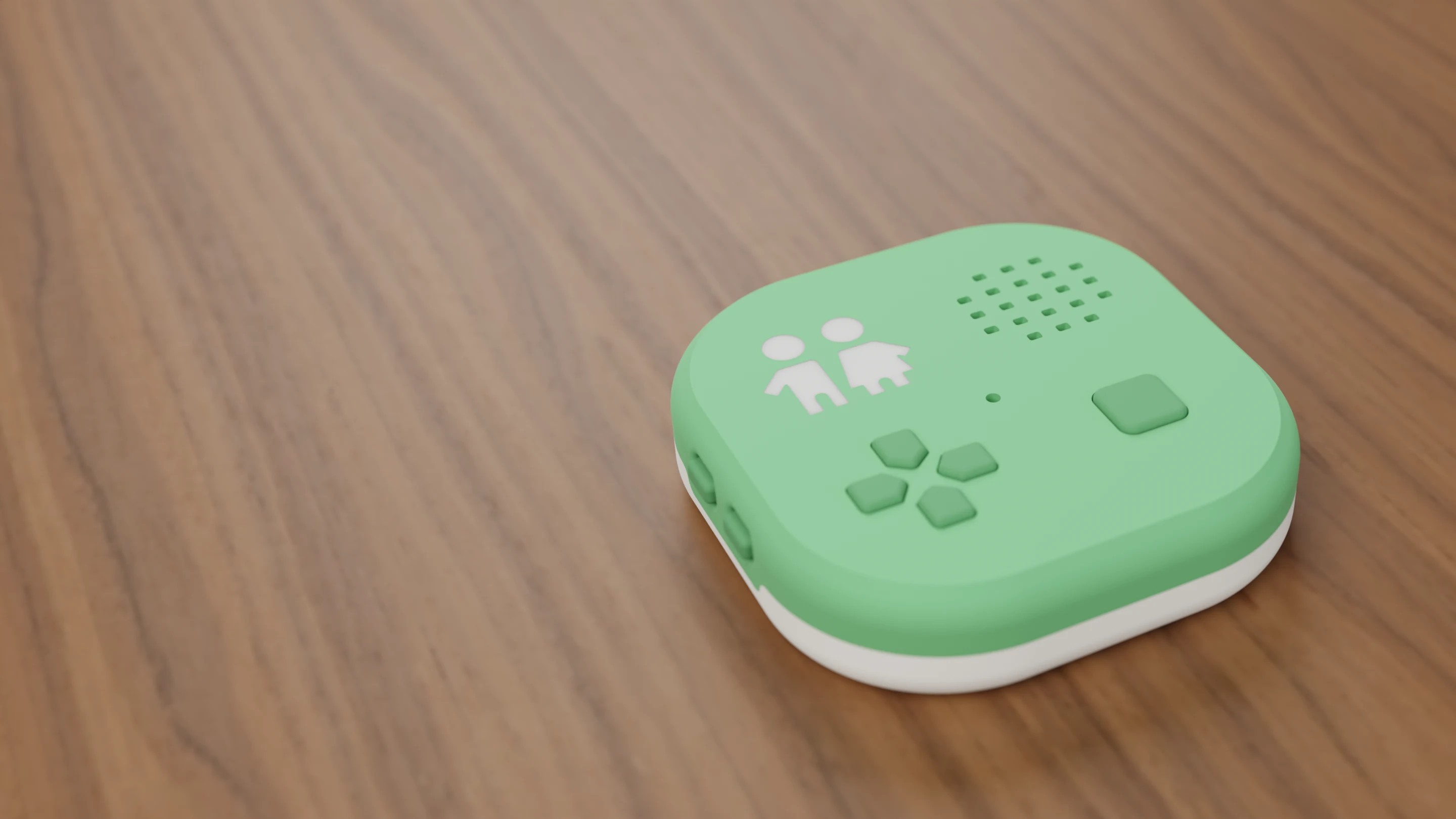 What is Peko Pal?
What Peko Pal is, what a child can do with it, what ages it suits, and what you need to use one.
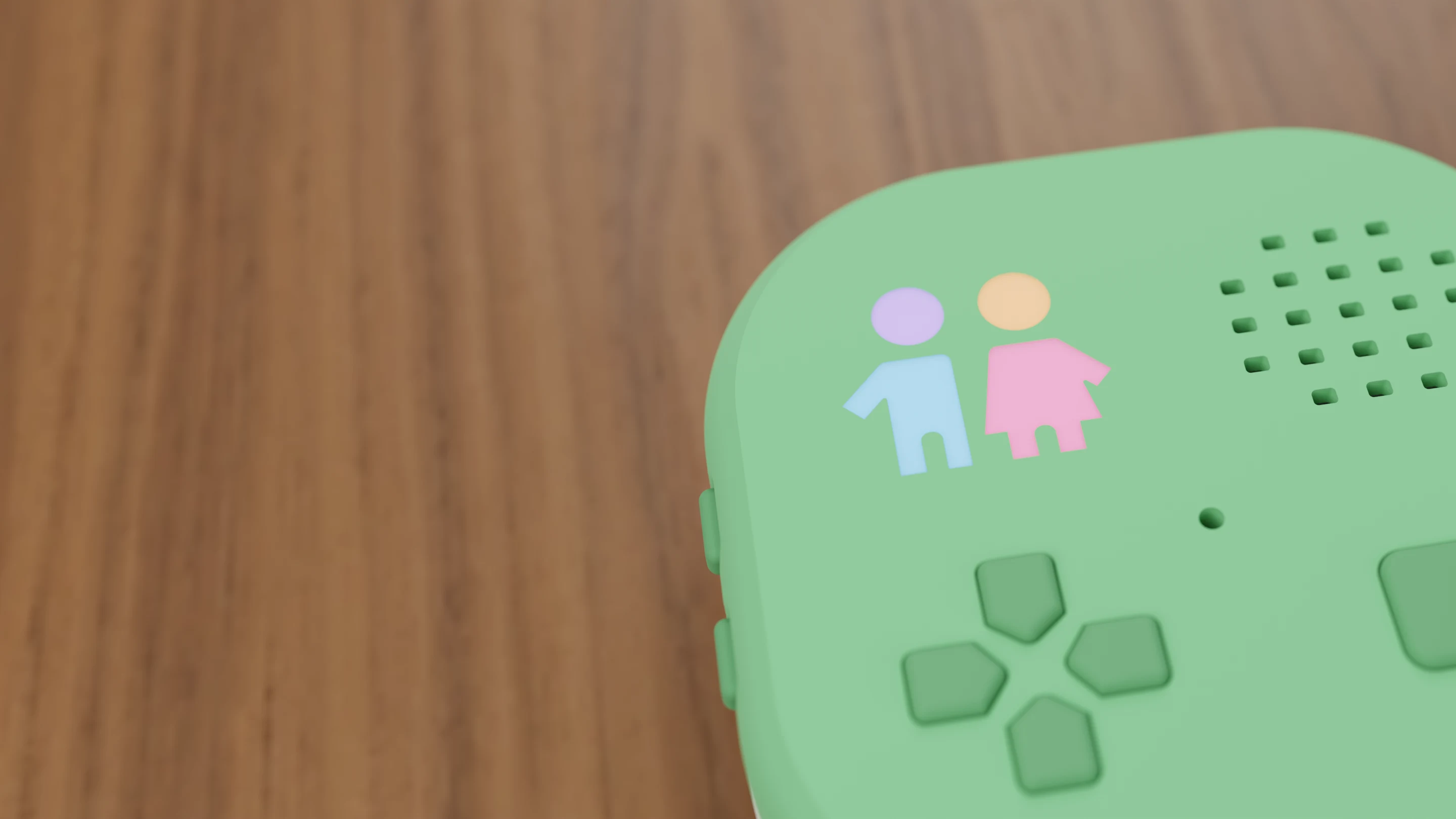 Is Peko Pal safe for kids?
How Peko Pal handles the microphone, who your child can talk to, what is saved from conversations and for how long, and what parents control.
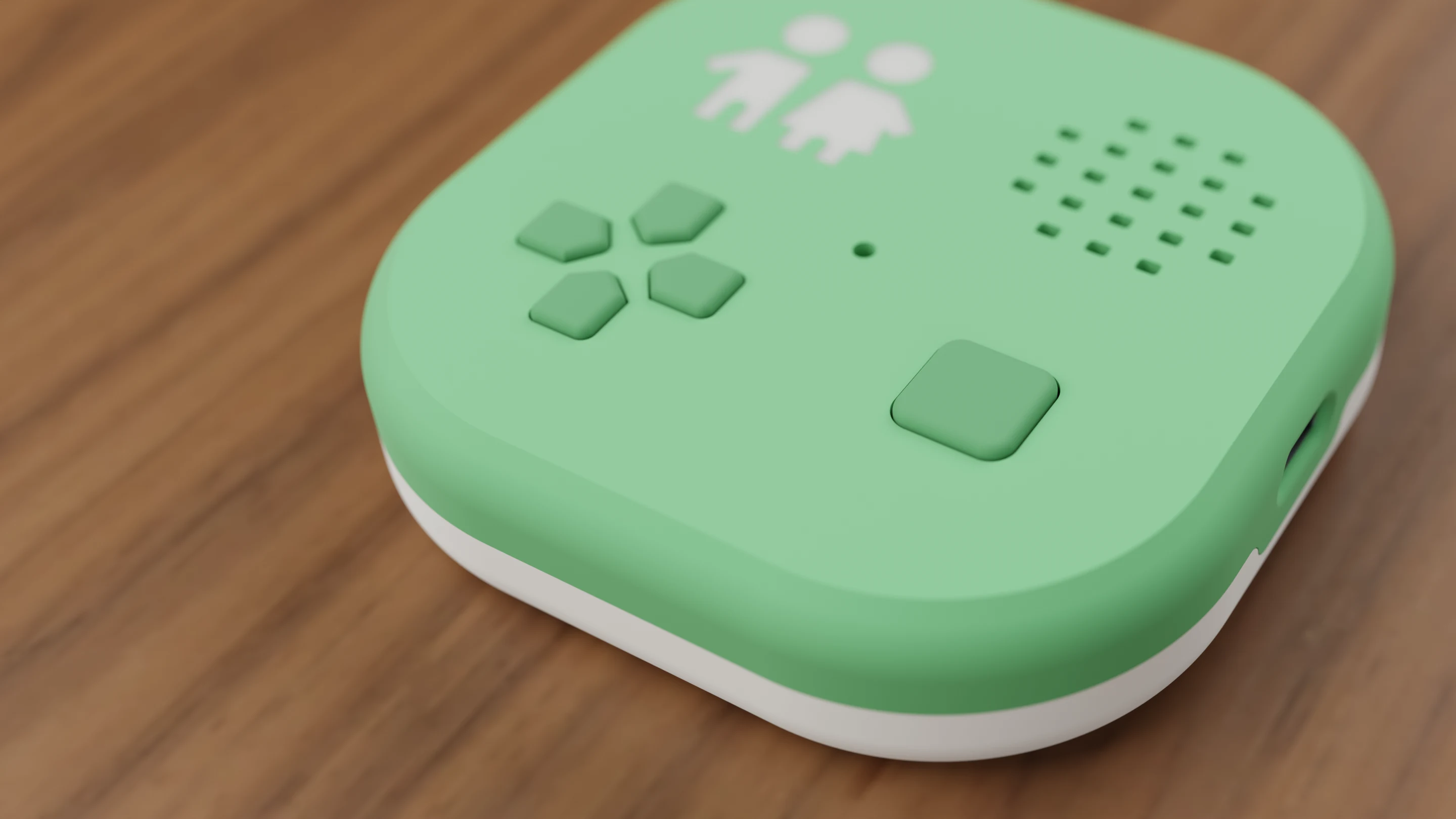 How Peko Pal's AI works
What the AI on Peko Pal does, how a child uses it, and the settings parents use to steer it, limit it and review it.
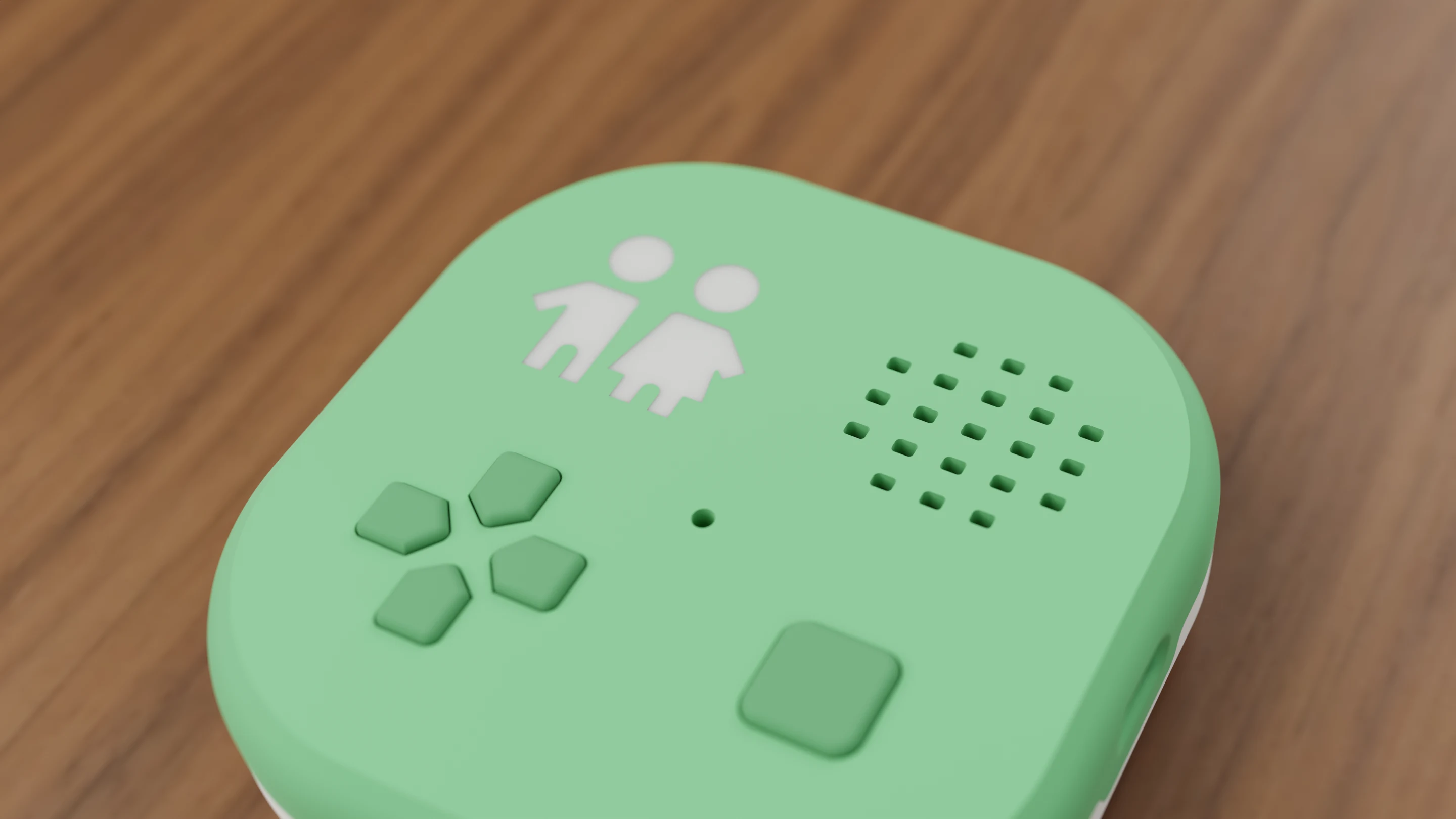 Peko Pal vs a phone or tablet
How Peko Pal differs from giving a child a phone or tablet - no screen, approved contacts only, optional AI with parent rules, and no ads.
Getting Started
 Meet your Peko Pal
What a Peko Pal is, what it can do, and how this guide works.
 Use Peko Pal without a device
How your child can chat with friends who own a Peko Pal using only the Peko Pal app, what still needs a Peko Pal, and how adding one later keeps their friends.
 Set up your Peko Pal
Pairing a new Peko Pal with the app - turning it on, pairing mode, connecting to Wi-Fi, and what happens next.
 Connecting your Peko Pal to WiFi
How to get your Peko Pal online, what it does day to day, and how to fix common WiFi problems.
 Friends and voice messages
How friends get approved, how your child sends and hears voice messages, and what calls need.
Using Your Peko Pal
 Getting around your Peko Pal
How the buttons work — choosing an app, moving around inside it, and turning the device on and off.
 Volume and brightness
Turning the sound up and down, the ceiling you set as a parent, and how bright the logo gets.
 What the glowing logo means
The light on the front is how a screenless device tells you what it's doing — here's the whole vocabulary.
 Apps — what's on your Peko Pal, and adding more
How apps get onto the device, where your child finds them, and how to add or remove them.
 Power, battery and charging
Turning it on and off, how the battery behaves, when it sleeps, how it checks for messages while off, and how to charge it.
- Pictures your child makes with Peko
Your child can ask Peko to make any picture, like a coloring sheet, a calendar or a scene, and print it. How pictures are made, the safety settings you control, and how to see or delete them.
- Printing from your Peko Pal
How your child can print a picture or a story on your home printer just by asking Peko, which printers work, how to ask for a paper size, and what to do if nothing prints.
Apps & Features
 Lessons — teaching your child at their level
Give Peko a topic and a goal, and it works out what your child already understands before it teaches anything. Here's how to set one up and how to read their progress.
 Glowlight
How to use the Glowlight app — its seven light modes, changing brightness, turning the light off and on, and what it remembers.
 Night Mode
How to use Night Mode, the bedtime nightlight with soft white or brown noise, including what each button does and how to change the light color and sound.
 Podcasts
How to play, pause, skip and rewind episodes in the Podcasts app, how it remembers where your child stopped, and how a parent picks which episodes are on the device.
 Radio
RadioHow to use the Radio app on the Pal — playing and pausing a station, browsing stations with up and down, what it announces, and how a parent chooses the station lineup.
 How to Use Peko
How the spoken walkthrough app works — what its ten topics cover, how to move between them, replay one, and when it opens by itself.
Privacy & Safety
 Reading your child's conversations with Peko
Peko saves a written transcript of every conversation your child has with it. Here's where to read them, what is and isn't saved, and how long they're kept.
Troubleshooting
 Looking after your Peko Pal
Keeping it in one piece, the memory card, and what to do when it stops responding.
 Unpairing a Peko Pal, or if one is lost
What unpairing deletes, what it keeps, and how a lost Pal erases itself.